![Kokomo_1.png]](https://help.kokomo247.com/hs-fs/hubfs/KokomoSolutions_August2020/Images/Kokomo_1.png?height=40&name=Kokomo_1.png)
The Tardy Student Check-In feature in SEA allows school staff to track students who arrive late, apply filters, update records, and ensure compliance with attendance policies.
Access Tardy Student Check-In
-
Log in to the SEA portal
-
From the left navigation menu
-
Click Tardy and Guest Management
-
Select Tardy Student Check-In
Step 1: Open Login Page
- Go to: https://safetycloud.kokomo247.com/login
- You will see the login screen as shown below:
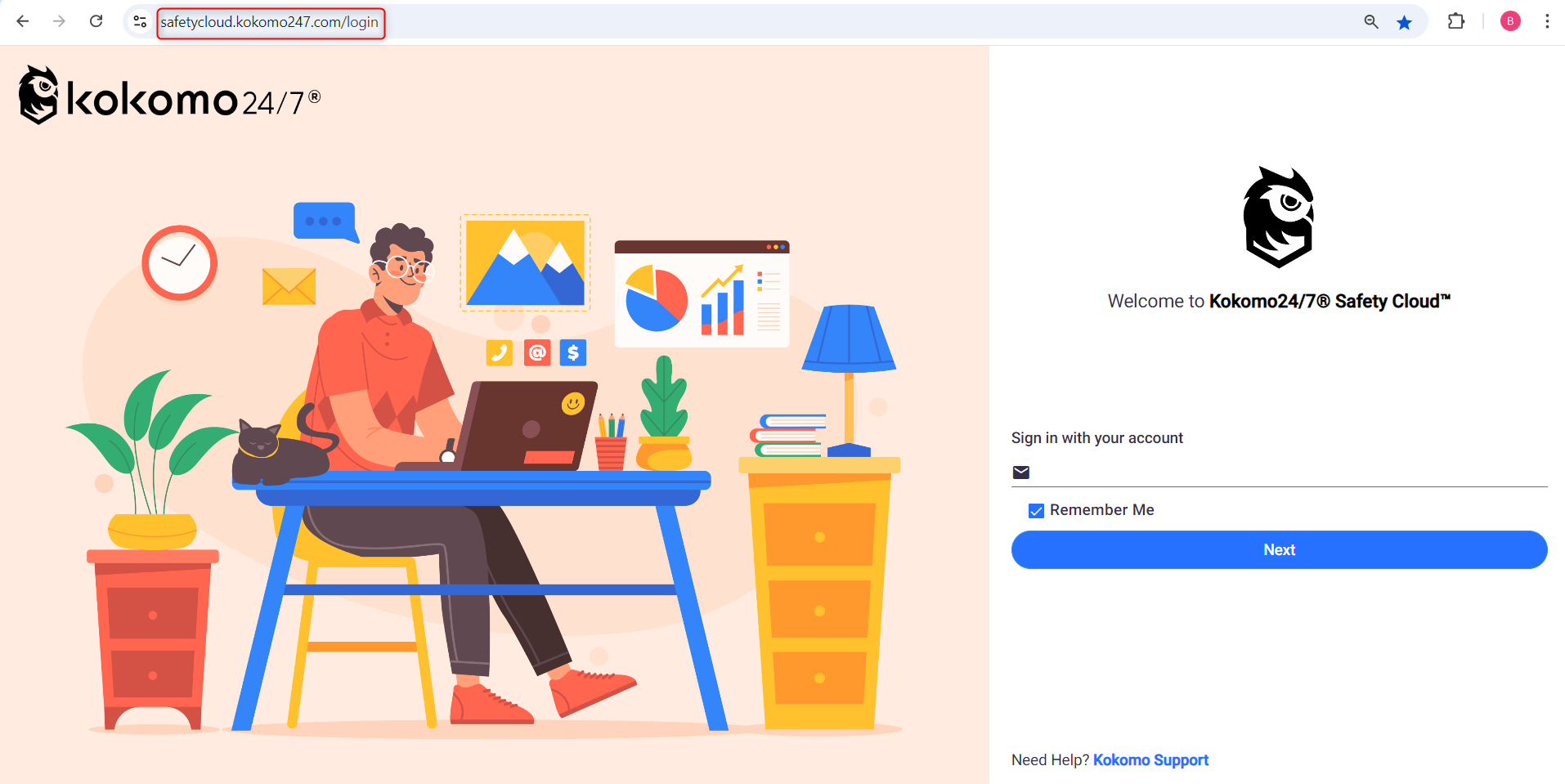
Login Page
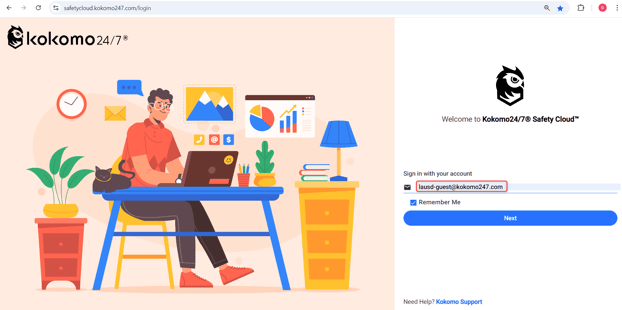
Step 2: Enter Your Email Address
- In the Email field, type your registered account email.
- Example: “lausd-guest@kokomo247.com”
- You will see the login screen as shown below: